
Capture Links from Photos
A native iOS app that reads URLs straight out of screenshots and photos to searchable, categorized bookmarks. Once the link is safe, it offers to delete the source image and reclaim the storage.

Key Features
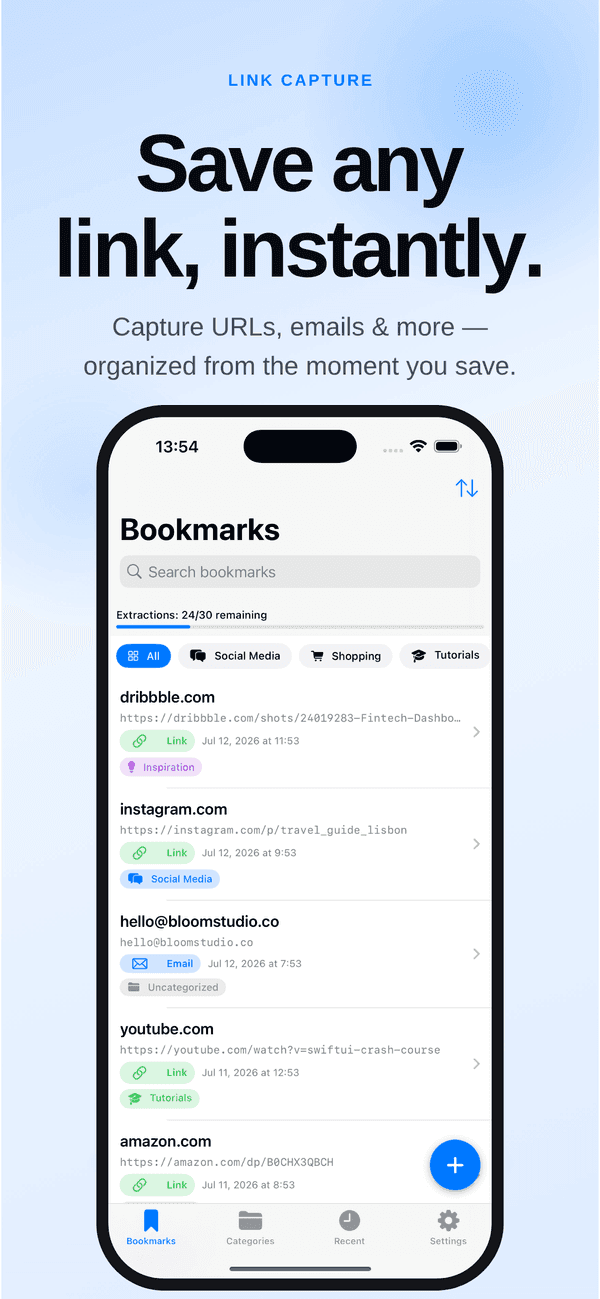
Extracts from screenshots, photos, the camera, or the clipboard — one image with three links saves three separate bookmarks.
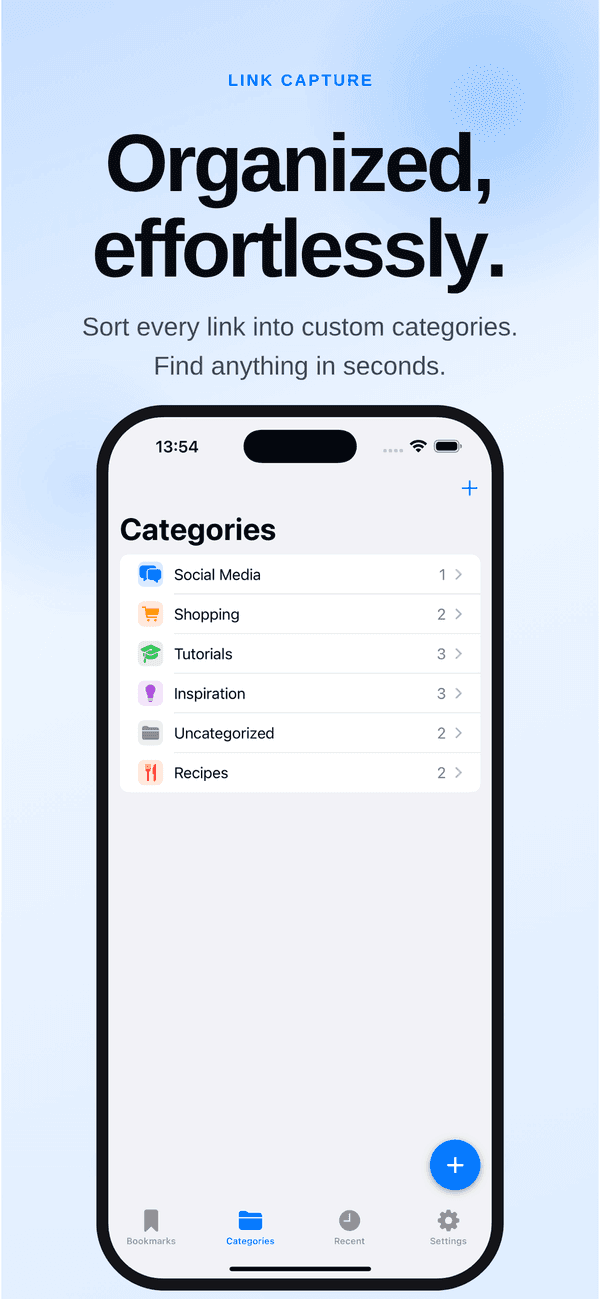
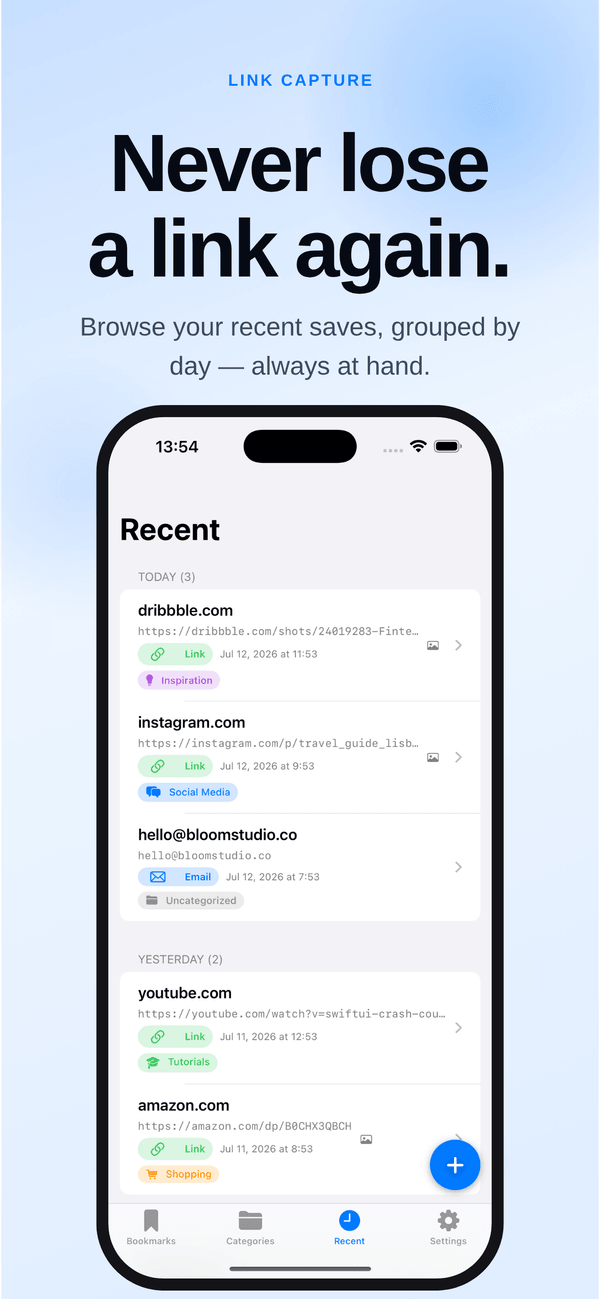
Organize with colorful, icon-tagged categories and filter your whole collection instantly, or browse a Recents timeline by date.
Send an image straight from Photos or Safari and it captures the links without leaving what you were doing.
Delete the source photo now or later, right from the app, once the link inside it is safe.
Automatically recognized Deep Links, enabling apps to extract and use them seamlessly.
Captures emails from anywhere, best for International Business people and Academics
Why We Built This
The link is right there — you just can't tap it
Screenshots pile up in the camera roll because they're holding something you need: a URL you can see but can't tap or bookmark. So you squint and retype it, or you leave the image there forever and let it eat storage. LinkCapture runs text recognition over the image, pulls out every URL it finds — three links in one screenshot become three bookmarks — files them into colorful categories, and then asks the question no camera roll asks: now that the link is saved, shall we delete the picture.
On-device text recognition reads the URL out of the image so you never squint at a screenshot and type it by hand again.
Once a link is safely bookmarked the image has done its job — LinkCapture offers to delete it through the system Photos prompt and give the space back.
No servers, no accounts, no tracking, no ads. Extraction and storage both happen on your iPhone or iPad.
Get Started Today
Get LinkCapture on your preferred platform — it takes seconds.